
Campaigns
Control SMTP rotation, delays, and retries
Understand selected senders, temporary retries, and provider limits.
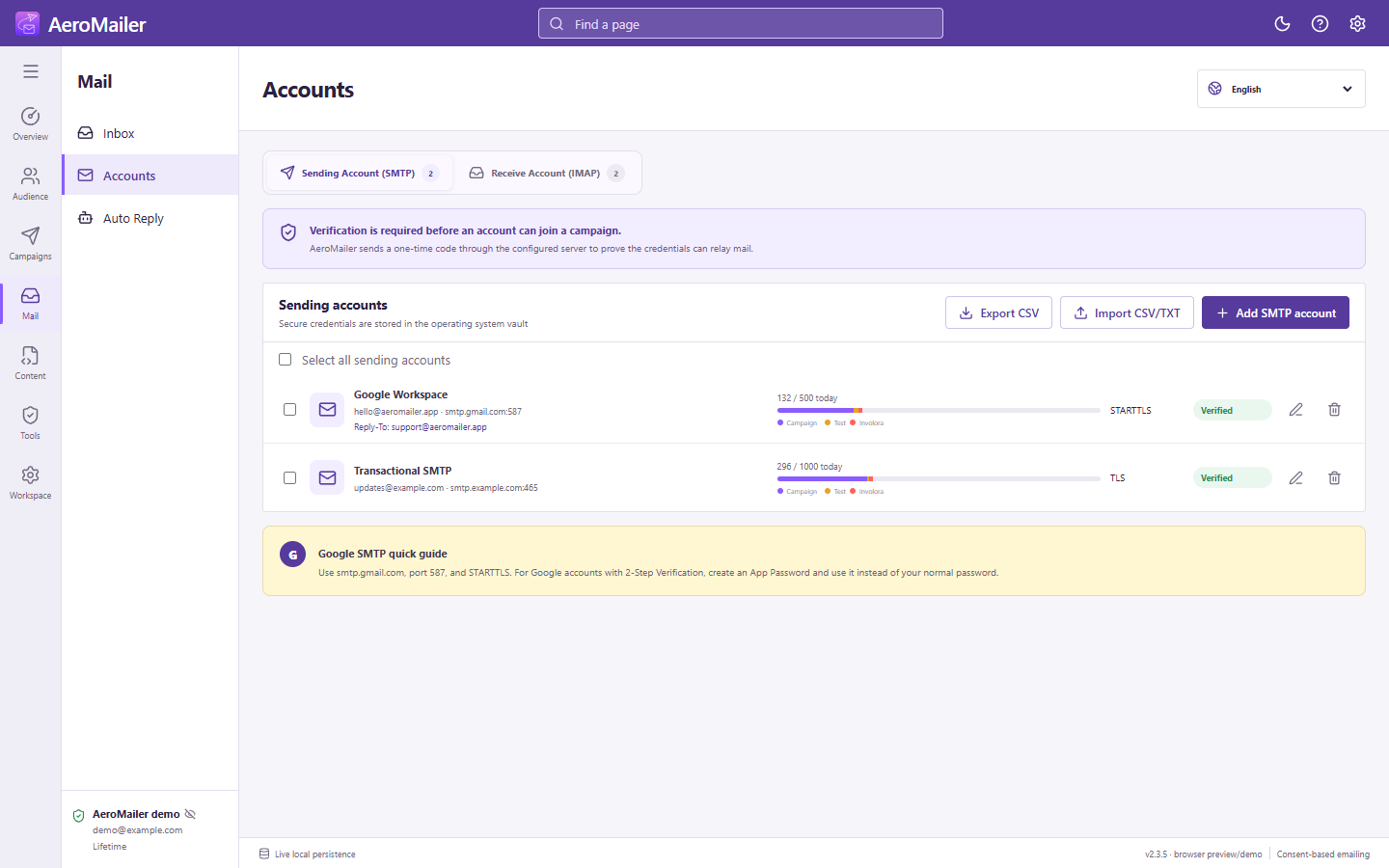
SMTP rotation and daily limits
Only verified accounts selected for the campaign take part in rotation. Review selection instead of assuming all accounts are selected. Today's test and campaign usage both count toward applicable app limits. Provider quotas apply independently.
Message delays
Minimum and maximum values are seconds. Configure defaults in Settings → General and adjust the campaign range when needed. A slower range helps pace legitimate traffic; it does not make unsolicited email acceptable.
Retries and delivery evidence
Temporary failures can be retried with exponential backoff; permanent failures are not repeatedly retried. Inspect attempt counts and failure details in Reports. SMTP acceptance means the sending server accepted the message, not that it arrived in Inbox or was read.