
Settings and Security
Troubleshooting and support
Find help and share useful, redacted troubleshooting details.
Start with checks
- Confirm internet access and a valid license. Startup license verification requires online access.
- Check Settings → Software updates.
- Read the full toast/error and the relevant campaign report or Auto Reply History.
- Confirm the correct account, list, template, assignment, and setting are selected.
- Do not force-close during an important send merely because the window is busy; inspect its status first.
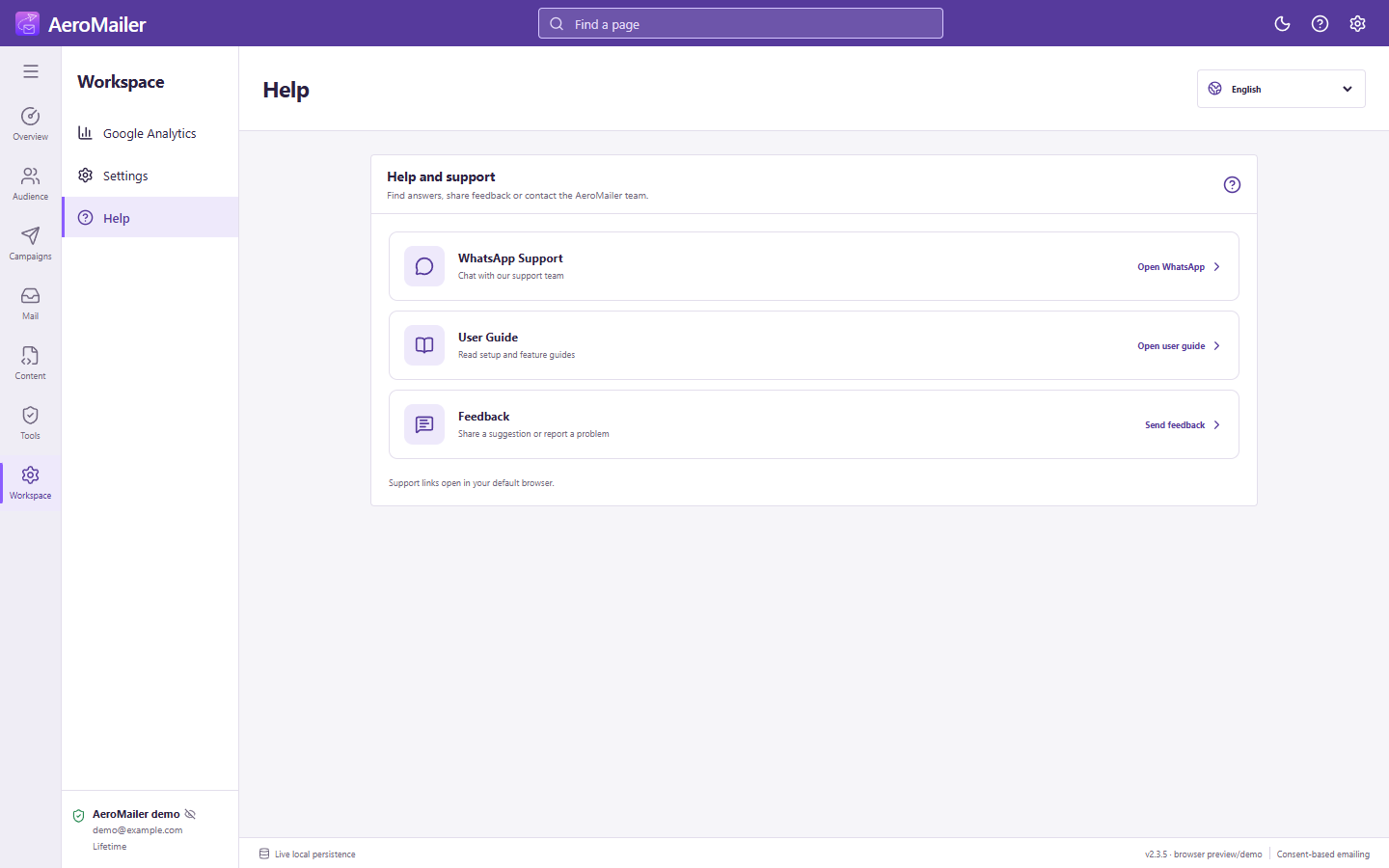
Open Help
The app's Help page contains User Guide, Feedback, and WhatsApp Support. You can also use the website FAQ or Contact. Include the version, operating system, page, exact steps, expected result, actual result, and redacted error/screenshot.
Keep secrets private
Never send support passwords, App Passwords, AI/API keys, complete license keys, or an unredacted customer database. Use sample data when reproducing an issue.