
Settings and Security
Configure settings, languages, appearance, and protected data
Use the settings sections and distinguish interface and message languages.
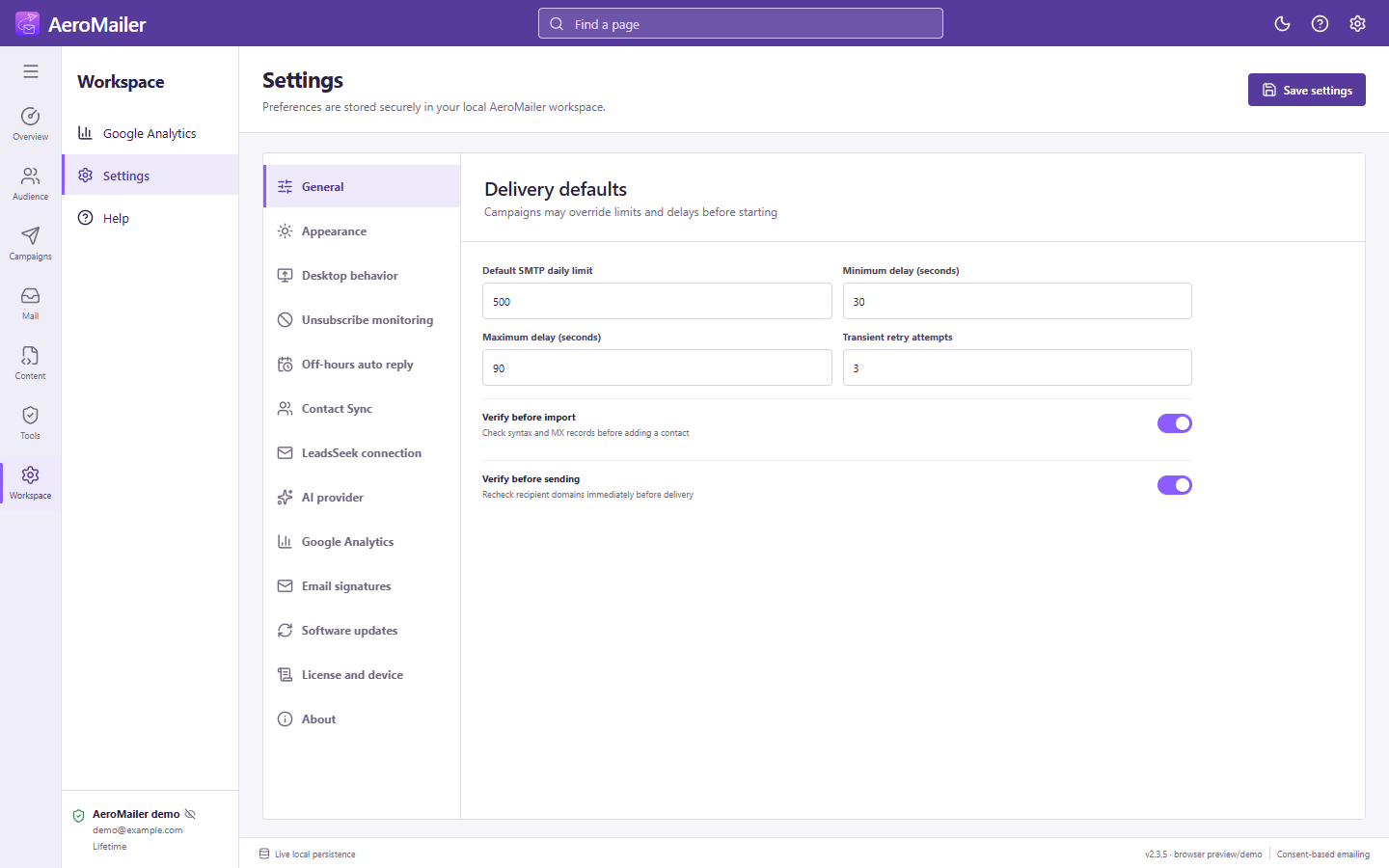
Use the settings sections
Select General, Desktop behavior, Unsubscribe monitoring, Off-hours auto reply, Contact Sync, AI provider, Google Analytics, Email signatures, Software updates, License and device, or About. Most editable preferences need the main Save button; Contact Sync and license actions have their own controls.
Language and theme
In Desktop behavior, choose English, Simplified Chinese, or Malay (Malaysia) for the interface, and Light/Dark appearance. Save the preference. Reply/footer language configuration is separate: rules, off-hours replies, and unsubscribe footers accept additional language codes.
Credential and local-data safety
Passwords and API credentials use protected storage where supported. Contacts, templates, inbox cache, campaigns, reports, and settings are local data. Back up the computer and restrict access to exported files, snapshots, and attachments. AI knowledge/context can leave the computer through the configured provider; Contact Sync itself stays local.
About and agreements
Settings → About shows the app version and copyright, and can reopen the License agreement in a modal. Read the website agreement and terms as needed.