
Templates and Content
Add signatures, images, and attachments
Save reusable signatures and check message size before sending.
Create a signature
Open Settings → Email signatures, create or edit a named signature, and choose a default if needed. Signatures can contain formatted content and images. Select the intended signature in the campaign builder or individual composer.
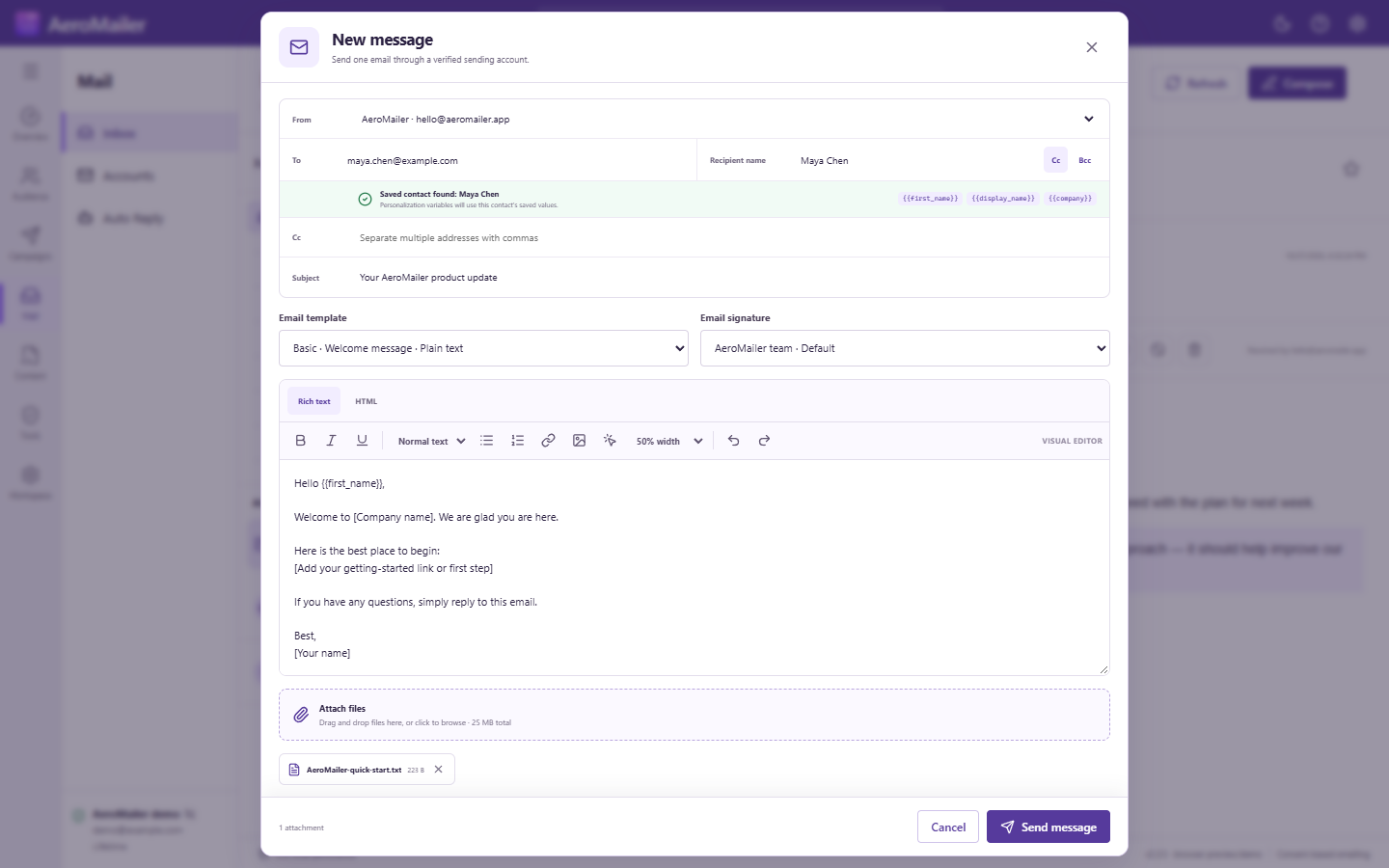
Add images and files
Insert HTML images through the editor or add files with the attachment control. Confirm that an image URL is accessible and that the correct file is selected. Remote images and attached files are different: a remote picture may be blocked by the recipient's email client.
Review a test
Send to an inbox you control and inspect the signature, files, links, and total message size. Large attachments can take longer; wait for the loading/send result. Provider limits can be lower than app limits. For received files, see attachment preview and download.