
Templates and Content
Create plain-text and HTML email templates
Design, upload, save, and reuse personalized messages.
Create or upload
- Open Email Template and create a new template.
- Choose Plain text or HTML and enter a descriptive name.
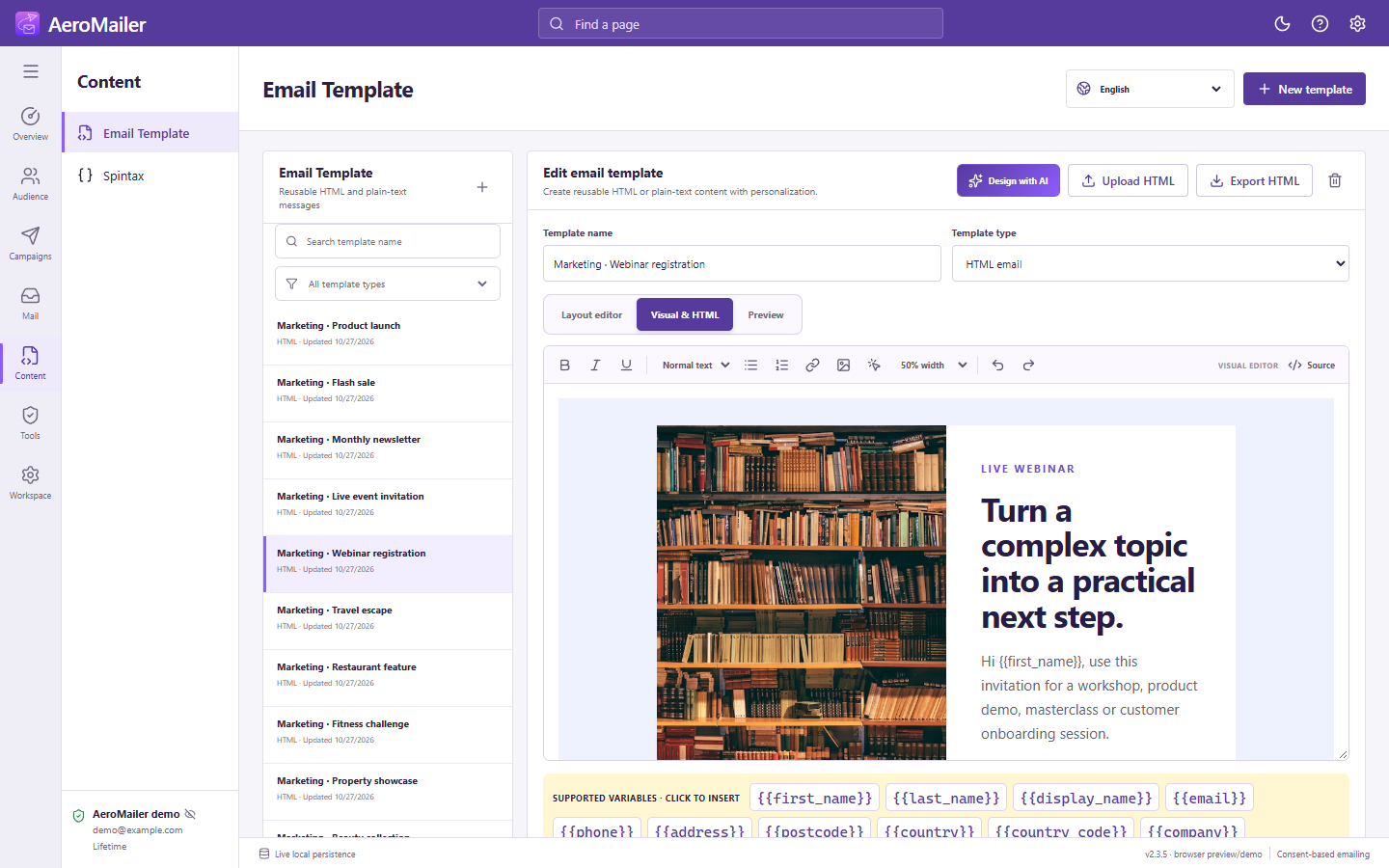
- For HTML, upload an HTML file or use Layout editor to add Text, Image, and Button blocks.
- Edit dimensions, padding, border, and margin. Use Visual & HTML for markup editing when needed.
- Click Supported variables to insert standard fields or user-created Variables, then save.
Reuse and export
Search by name or filter by type. Load a template in the campaign builder or individual composer and review the loaded content before sending. Export HTML templates to a chosen destination.
Check external resources
Replace sample links and images with resources you control, then send a real test to an inbox you own. Email clients may render HTML differently or block remote pictures. See the 20-template starter library.