
Templates and Content
Use personalization Variables and Spintax
Insert contact fields, custom keys, and controlled text variations.
Insert personalization
Click Personalization · click to insert in the campaign builder or Supported variables · click to insert in Email Template. The value is inserted at the editor cursor. Examples include {{first_name}}, {{email}}, and user-created Variable keys. Define custom values in Contacts → Manage Variable.
Missing values render empty rather than leaving an unresolved tag. Write sentences that remain readable when optional data is absent, and check a recipient preview before sending.
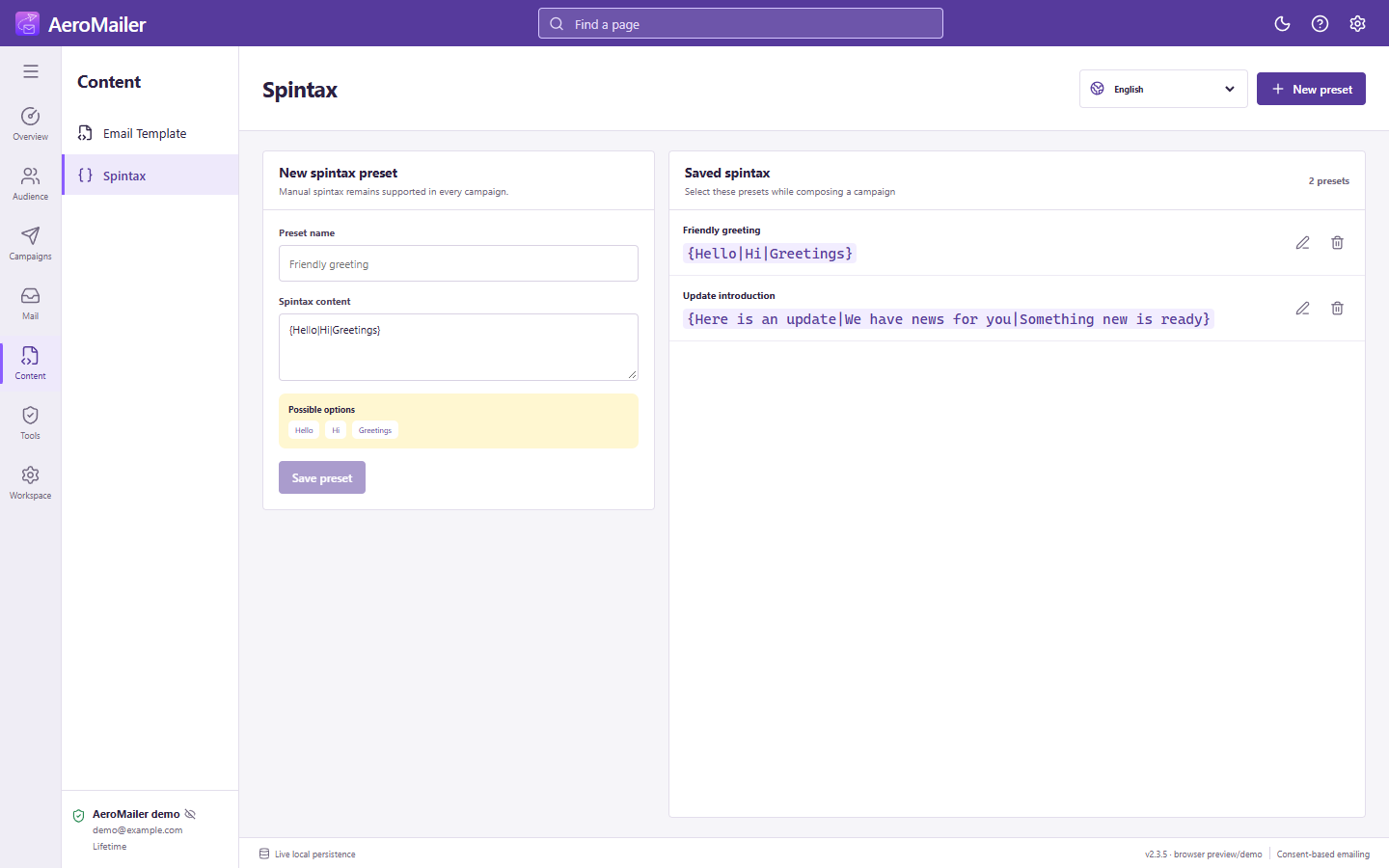
Spintax
Manual syntax uses single braces and pipes: {Hello|Hi|Greetings}. Create named presets on Spintax, then select a preset while composing. Personalization uses double braces; the two syntaxes are different.
Test variations
Preview rendered messages with different contact data. Do not use text variation to mislead recipients or evade provider controls.