
Contacts and Compliance
Import, map, validate, and export contacts
Handle CSV/TXT fields, Variables, duplicate conflicts, and incomplete records.
Prepare and import
- Create/select the destination list. Use Download template for the supported columns.
- Prepare CSV or UTF-8 tab-separated TXT. Keep postcodes as text so leading zeroes survive.
- Select the import control and map file columns to standard fields or Variables.
- For an unknown Variable, choose to create it, map it to an existing one, or reject it. Resolve duplicate identifier conflicts deliberately.
- Read the validation preview and row errors. Choose Continue Import or Cancel Import.
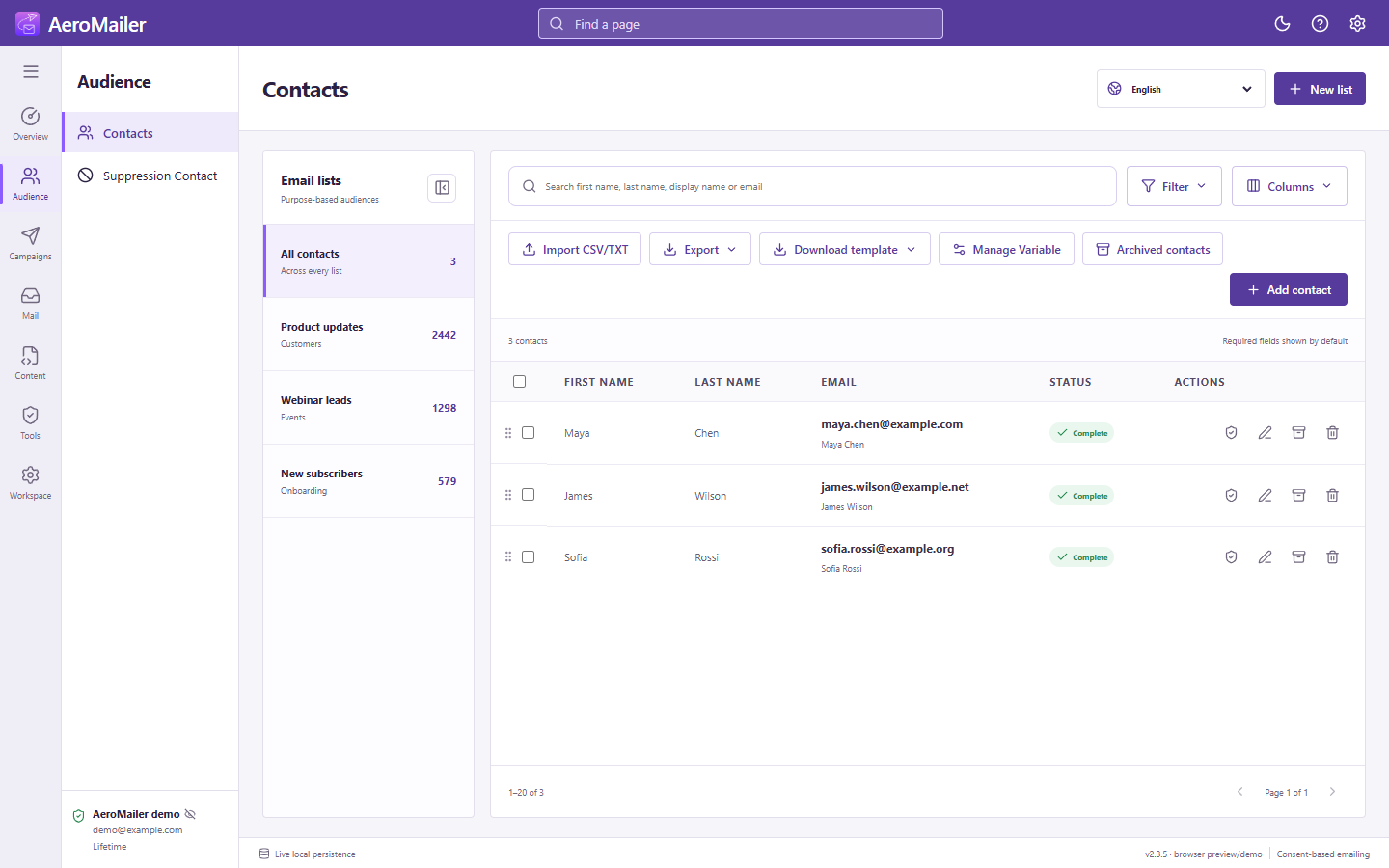
Incomplete contacts
Email is the normal import requirement. Continuing with errors can store incomplete records; that is not proof the recipient is eligible for delivery. Complete required values and check consent/status before sending.
Export
Choose Export, the supported format, filename, and destination. Portable standard fields and Variable definitions/values are intended for compatible Odeysoft apps. Keep exports private; inspect the selected scope before sharing or re-importing.