
Reports and Analytics
Connect and read Google Analytics 4
View attributed website traffic separately from delivery reports.
Configure the integration
- Open Settings → Google Analytics and enable the integration.
- Enter the GA4 property and required credentials, following the question-mark instructions.
- Save; the analytics page appears when the integration is enabled/configured.
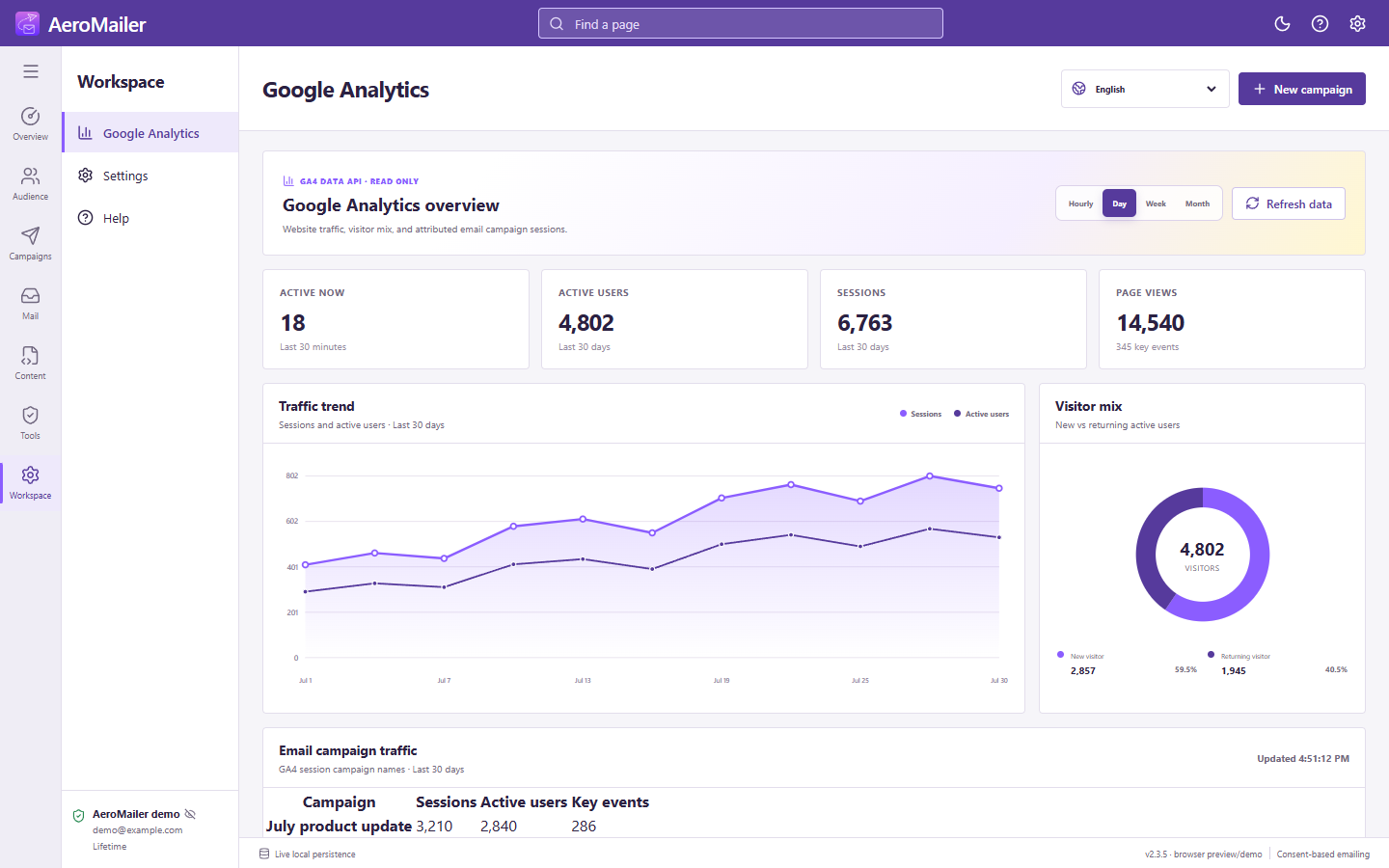
Read the charts
Choose hourly, daily, weekly, or monthly views. Compare session/user trends, the new-versus-returning visitor chart, and campaign traffic. Data depends on the selected GA4 property, credentials, reporting period, and website collection.
Custom HTML campaigns
Custom/uploaded HTML can send readers to tracked website URLs. Use correctly tagged links such as UTM campaign links on a site collecting GA4 data, then test them. Sending an email does not itself guarantee an analytics visit or record an email open; SMTP delivery and GA4 traffic are separate reports.